Best TVs of 2026 According to Consumer Reports
If you want the “just tell me what to buy” version of TV shopping, Consumer Reports is still one of the best shortcuts. They buy TVs, test them in a controlled lab, and score them on measured performance—not on hype, “AI” buzzwords, or whatever the box screams at you.
Consumer Reports’ latest “Best TVs” list (updated January 1, 2026) leans heavily OLED at the top, and for good reason: OLED is still the easiest way to make modern 4K/HDR content look expensive. It’s not about “more pixels.” It’s how the picture behaves in real scenes—shadow detail, specular highlights, and contrast transitions that don’t look like a backlight scrambling to keep up.
With OLED, every pixel is its own light source. That means truly deep blacks (no gray haze), and it means bright highlights can pop without lifting the rest of the screen into a washed-out mess. When you watch movies at night, OLED contrast makes the whole image feel more three-dimensional and less “TV-ish.”
But OLED isn’t automatically the best choice for every room. If you have big windows, daytime sports, or a TV that’s on in bright ambient light all day, a strong Mini‑LED / high-end LCD can look better in practice. That’s why CR’s list includes at least one top-tier non‑OLED model built to fight glare and stay punchy in daylight.
Below is a CR Watchdog-style guide to the best TVs CR is recommending right now, what each one is best for, and how to pick the right tech without overpaying.
The fast answer
If you want a safe pick and don’t want to overthink it:
- Best all-around OLED value: LG OLED65C4PUA
- Best Samsung OLED value: Samsung QN65S90F
- Best “money-no-object” OLED: Samsung QN65S95F
- Best non-OLED for bright rooms: Samsung QN65QN90F
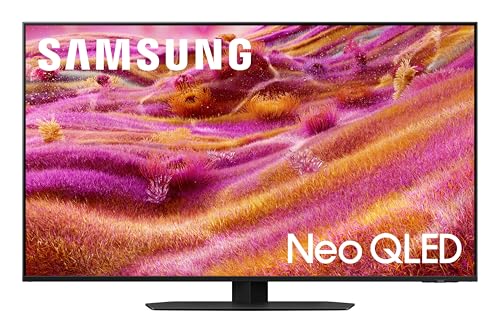
- Best 65-inch value around $1,000 (when discounted): Samsung QN65S84FA
Now let’s match the TV to your room and your habits.
Best TVs overall from Consumer Reports’ tests
These are the top-tier sets highlighted by CR—strong overall picture quality, excellent HDR performance, and solid usability. Most people will be thrilled with any of them, but each has a “best for” scenario.
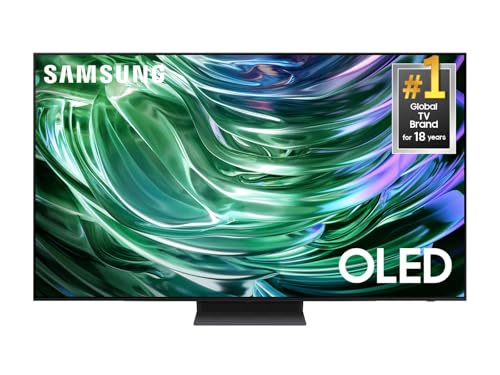
Samsung QN65S90F
The Samsung QN65S90F shows up as one of the smartest “top shelf without going insane” OLED buys. It delivers the kind of contrast and HDR punch that makes premium content look premium, with a feature set that’s especially attractive for gamers.
This model is a great reminder of what OLED does well: dark scenes stay dark, and bright highlights don’t smear or “bloom” into the surrounding image. If you watch a lot of moody shows—crime dramas, sci‑fi, prestige TV with dim lighting—OLED simply makes it easier to see what the director intended without cranking brightness and wrecking black levels.
Gaming is a strength here too: high refresh rate support, variable refresh rate, and low-latency behavior. The main “ecosystem” note is Samsung’s HDR approach: Samsung supports HDR10+ but not Dolby Vision.
Buy it if: you want elite OLED picture quality and you game on a modern console or PC.
Think twice if: Dolby Vision is a must-have for your streaming setup.
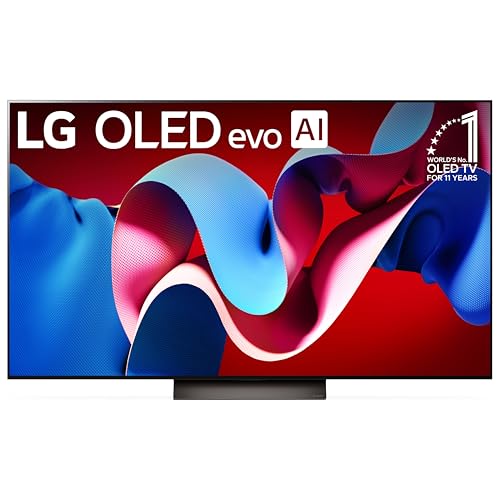
LG OLED65C4PUA
If you want the cleanest “default recommendation” on this whole list, it’s the LG OLED65C4PUA. LG’s C-series is the long-running sweet spot: a premium OLED panel with the features most people actually use, without forcing you into the “gallery” price tier.
OLED’s advantage shows up in the moments you can’t fake: a candle-lit room, a night skyline, space scenes, a dim hallway in a thriller. LED/LCD TVs can get bright, but they still rely on zones of backlight. When a bright object appears on a dark background, those zones can glow around it. OLED avoids that with pixel-level control, so edges stay cleaner and dark scenes look more composed.
LG also supports Dolby Vision, which matters if most of your viewing is Netflix / Disney+ / Apple TV+.
Buy it if: you want a reliable, premium OLED with broad HDR compatibility.
Think twice if: your TV lives in harsh daytime glare and you refuse to close blinds.
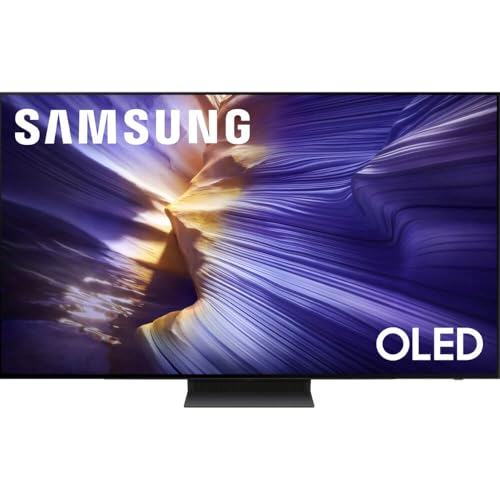
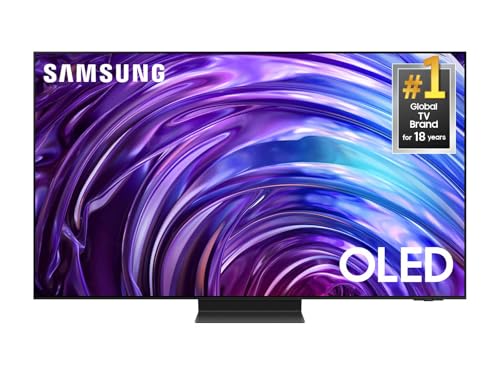
Samsung QN65S95F
The Samsung QN65S95F is Samsung’s “best of the best” OLED lane—more performance headroom, more HDR impact, and a more premium overall feel.
Here’s who notices the difference: people who watch a lot of HDR movies and want highlights to look electric without sacrificing dark-scene detail. Flagship OLEDs tend to improve the parts of OLED that used to be its compromise—peak brightness and highlight intensity—while keeping the black-level advantages that make OLED special.
Buy it if: you want the best Samsung OLED experience and don’t mind the price.
Think twice if: you’d rather put the extra money into a great soundbar and still get an excellent TV.
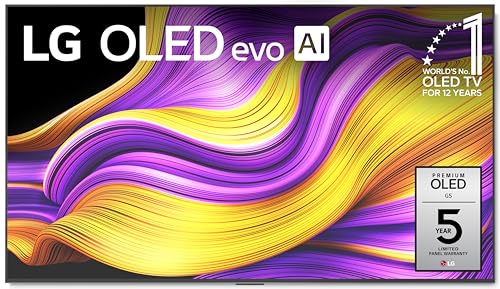
LG OLED65G5WUA
LG’s G-series is the flagship lane, and the LG OLED65G5WUA is for shoppers who want top-tier picture performance and a premium build.
This is the kind of set that rewards good content. When you feed it high-bitrate streaming, a quality Blu‑ray, or modern console HDR, you get an image that looks controlled: bright where it should be, dark where it should be, and textured in the mid-tones instead of flattening into mush. OLED tends to look more natural in dim scenes, especially when you turn off the worst “soap opera” motion settings.
Buy it if: you want a flagship OLED and you care about HDR impact and uniformity.
Think twice if: you’re not going to notice (or care about) the difference between “excellent” and “best-in-class.”
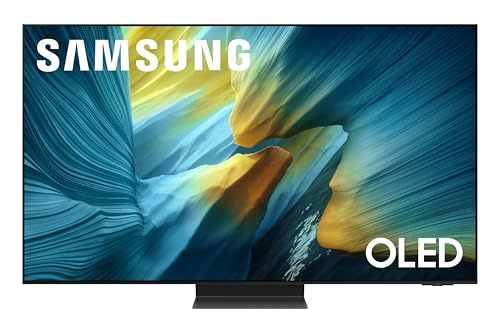
Samsung QN65QN90F (bright-room alternative)
OLED dominates dark-room movie performance, but in bright rooms, a premium Mini‑LED can be the smarter play. The Samsung QN65QN90F is the “don’t ignore this” model on CR’s top list.
If your TV sits opposite windows, or you watch a lot of daytime sports, the practical goal is: stay bright, keep reflections under control, and keep the image punchy even with sunlight. This is where a strong LCD can shine (sometimes literally). You’re trading perfect blacks for more brute-force brightness and often better daytime visibility.
Buy it if: your room is bright and you want an HDR-friendly TV that can fight glare.
Think twice if: you mostly watch at night and want perfect blacks (OLED still wins there).
“Still great” holdovers (if priced right)
Consumer Reports also includes high-performing models from prior years that remain excellent buys if you can find them discounted:
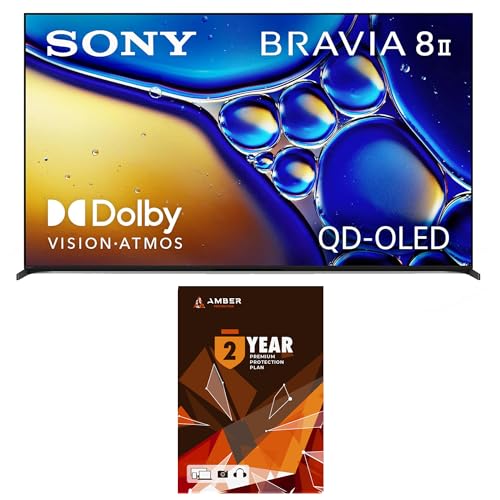
Watchdog rule: don’t overpay for an older flagship just because it used to be “the best.” Older models are only smart when the discount is real.
Best 65-inch TVs around $1,000 from Consumer Reports’ tests
CR’s list doesn’t pretend everyone should spend $2,500 on a TV. These are models highlighted as strong performers at lower prices, with very good overall picture quality and credible HDR performance for the money.
Samsung QN65S84FA (value OLED to watch)
The Samsung QN65S84FA is a value surprise when you can actually find it at a true bargain price. This is one of those “model code” TVs that shows up in certain retail channels, and pricing can swing wildly.
Watchdog tip: it’s a great deal at a great price—and a mediocre deal if it drifts too close to higher-tier OLEDs like the S90F.
Samsung QN65Q80DD (strong everyday value)
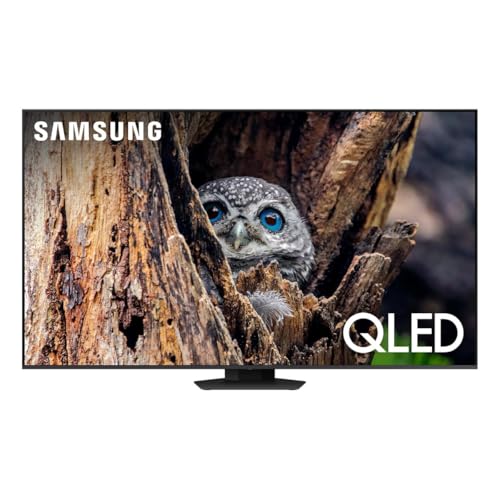
is the kind of TV that tends to do well for bright rooms and everyday viewing—strong color, solid HDR pop, and generally better performance than the bargain-basement tier.
LG 65QNED90TUA / LG 65QNED92AUA (bright-room value picks)
If you want brightness and big-screen impact without paying OLED pricing, LG’s QNED lane is worth a look:
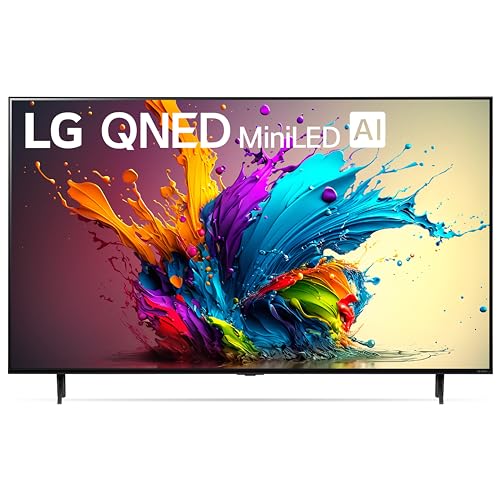
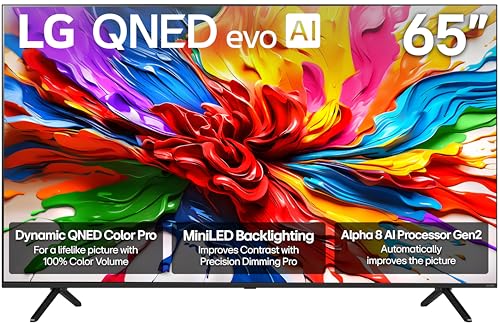
These are sensible choices for living rooms with lots of ambient light, where “punch” matters more than absolute black-level perfection.
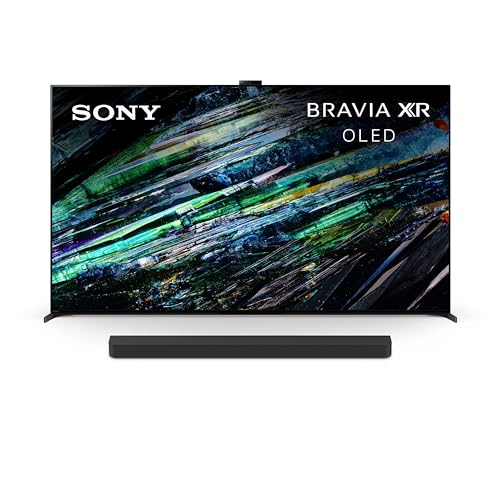
Sony XR-65X90L (balanced motion and processing)
The Sony XR-65X90L
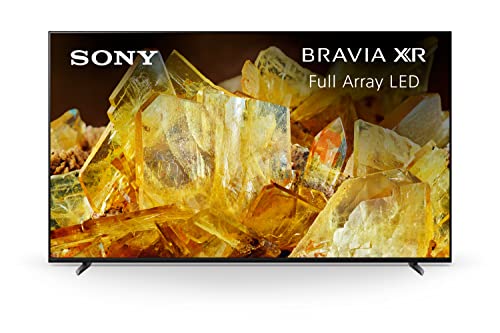
sticks around because it’s consistently good at the things people notice day-to-day—especially motion handling and overall picture balance. If you watch sports, cable TV, or a lot of mixed content, Sony’s processing can be a real advantage.
Hisense 65U75QG (aggressive value)
Hisense keeps showing up as a serious value brand, and CR’s list reflects that. The Hisense 65U75QG
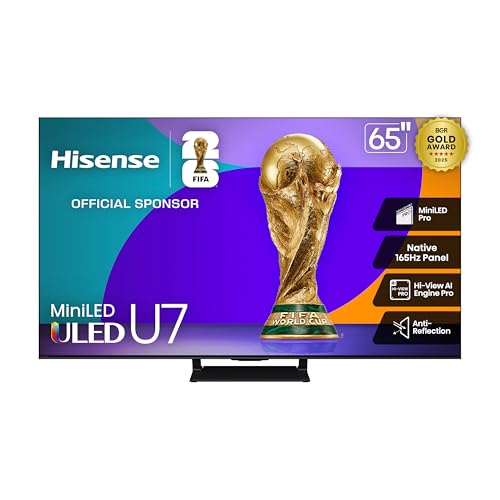
is a good “features per dollar” candidate if you want a modern TV experience without flagship pricing.
Roku 65R8B5 (simple smart TV experience)
The Roku 65R8B5
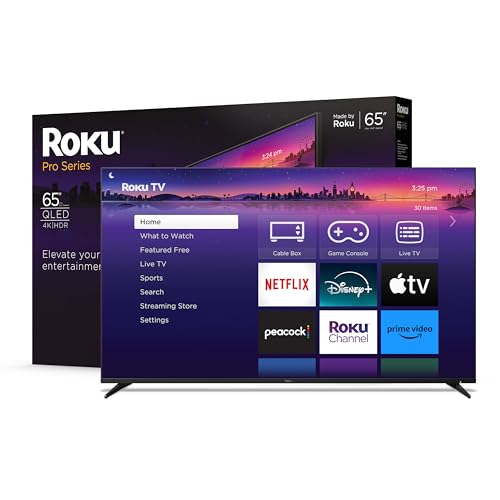
is appealing if you want the simplest smart-TV experience—fast interface, straightforward apps, minimal drama. Picture quality tends to be more “good for the price” than “wow,” but simplicity matters for a lot of households.
TCL 65QM7K (big-screen value play)
TCL is a perennial “big screen for the money” brand, and the TCL 65QM7K
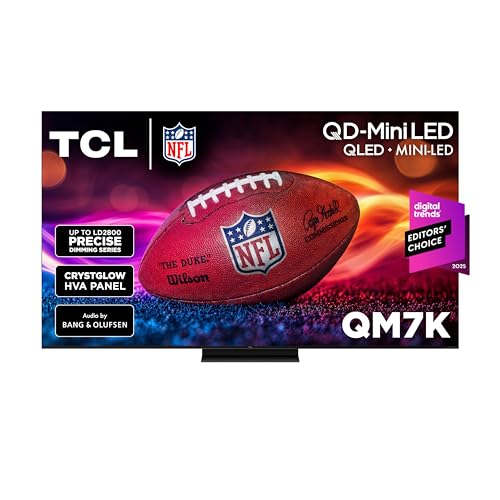
fits that mold: a large 65-inch TV with credible HDR performance for shoppers who want value without dropping into the ultra-budget tier.
How to choose the right TV in 2026
This is where most people get tricked: they shop by buzzwords instead of by room + content + habits.
Step 1: Size and seating distance (the part people ignore)
If you sit closer than you think, you can justify a bigger screen than you think. For many living rooms, 65" is the “new normal,” and 75" is often the “wow” upgrade that actually feels like an upgrade. If you’re debating 65 vs 75 and your room can handle it, lean bigger—resolution is not the limiting factor anymore; immersion is.
Step 2: Pick your room type
- Dark-room / movie-first: OLED (like LG OLED65C4PUA) is usually the best use of money.
- Bright-room / sports / all-day TV: a premium Mini‑LED (like Samsung QN65QN90F) can be the more satisfying real-world pick.
Step 3: Know your HDR ecosystem
- If you live in Dolby Vision (Netflix, Disney+, Apple TV+), LG and Sony tend to fit better.
- If you don’t care—or you value Samsung’s ecosystem and gaming focus—Samsung OLEDs are still elite (but they’ll do HDR10 / HDR10+ instead).
Step 4: Don’t get baited by “gaming” specs you won’t use
If you never touch a console or PC, you don’t need to pay extra for 144Hz+ marketing. If you do game, prioritize HDMI 2.1 features (4K/120, VRR) and enough full-bandwidth ports for your gear.
OLED burn-in: should you worry?
For normal mixed use—streaming, movies, sports, games—burn-in is not the boogeyman it used to be. Modern OLEDs use compensation cycles and pixel-shift tricks to reduce risk. The real risk is abuse: the same static content (news tickers, stock channels, bright HUDs) at high brightness for hours a day, every day.
If your TV is basically a 12-hour-a-day “background screen” with lots of static elements, that’s a better case for a bright LCD/Mini‑LED. If it’s a normal household TV that rotates content, OLED is a reasonable choice.
Watchdog buying rules
- Pick your room first, then pick your TV. Bright room? Favor a strong LCD/Mini‑LED like the Samsung QN65QN90F. Dark room and movies? OLED is the safe move.
- Don’t pay extra for a feature you won’t use. If you’re not gaming, don’t chase 144Hz specs.
- Decide your HDR ecosystem. Dolby Vision matters to a lot of streamers (LG and Sony support it). Samsung doesn’t.
- Budget for sound. Even “good” TV speakers are still TV speakers. If you care about dialogue, plan on a soundbar.
- Be skeptical of “old flagship” pricing. Older models are only smart when the discount is real.
Quick setup checklist after you buy
If you want your expensive TV to stop looking like a Best Buy demo wall:
- Turn off energy-saving brightness limits (they often crush peak HDR brightness).
- Disable motion smoothing (usually called something like “TruMotion,” “Auto Motion Plus,” etc.) unless you love the soap-opera look.
- Use Cinema / Filmmaker / Movie mode as your baseline, then tweak brightness for your room.
- Set your HDMI inputs to “enhanced” (or equivalent) so your streaming box / console can output full HDR and 4K/120 when supported.
- If dialogue is muddy, that’s not you—that’s TV speakers. Fix it with a soundbar.
What to skip (even when the deal looks tempting)
A few “looks good on paper” traps show up every year. If you want fewer regrets:
- 60Hz panels marketed as “120 motion.” If you care about sports smoothness or gaming, you want native 120Hz.
- “HDR” TVs that can’t get bright. If peak brightness is low, HDR turns into “slightly different SDR.” (It’s not your imagination.)
- Edge-lit LCDs in big sizes. They can look okay in a showroom loop, then fall apart at night with uneven blacks.
- Overprocessed demo modes. Super sharpness, fake contrast, and max color can make faces look plastic. You can usually fix this in settings, but some TVs fight you.
If you’re shopping below the premium tier, your goal isn’t “perfect.” It’s “no obvious weaknesses.”
When to buy (and how not to get faked out)
TV pricing is seasonal. The safest pattern:
- Late fall / holiday season: big discounts on current-year models.
- Early year (Jan–Feb): retailers clear inventory around major sports events.
- Spring: new models arrive; older models drop if stock remains.
Watchdog move: if a “deal” price is basically the same as what the TV has cost for months, it’s not a deal. Be patient or buy the model that’s already priced honestly.
Bottom line
Consumer Reports’ 2026 list makes one theme clear: OLED still dominates “best overall,” with LG and Samsung trading punches depending on what you value (Dolby Vision vs Samsung’s gaming-forward ecosystem). But CR also signals that a premium Mini‑LED/LCD—especially something like Samsung’s QN65QN90F—can be the smartest choice in bright, real-world living rooms.
If you want the simplest shortlist:
- LG OLED65C4PUA is the clean all-around choice.
- Samsung QN65S90F is the Samsung OLED value standout.
- Samsung QN65QN90F is the bright-room alternative you shouldn’t ignore.
- If your budget is capped near $1,000, Samsung QN65S84FA is the value OLED to watch—assuming you can land it at the right price.
CR Watchdog note: Model availability and pricing move constantly. Use this guide to build a shortlist, then buy based on the best real price you can actually get today—not the MSRP in a spec table.